
Free AI image generator tools help rural businesses look pro online
Cristal Dyer | Daily Inter-Lake | UPDATED 3 weeks, 2 days AGO
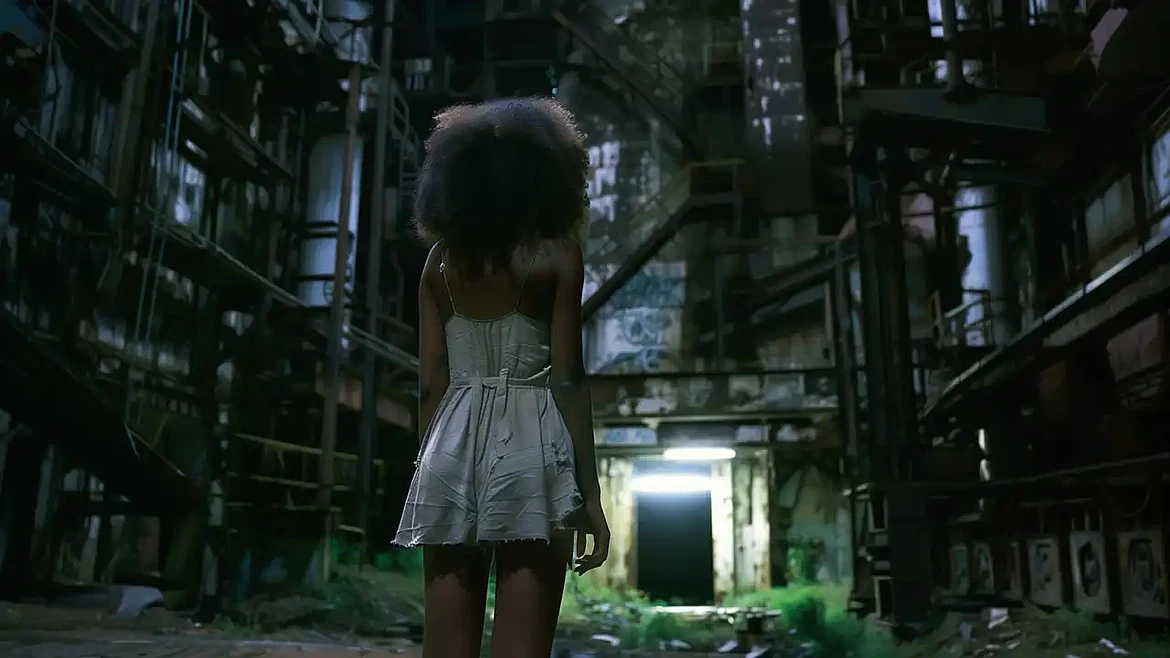
Free AI image generator tools let rural businesses produce professional, custom visuals without hiring a designer or paying for stock photo subscriptions. Browser-based platforms like Adobe Firefly, Canva, and Photoroom turn a short text description into high-resolution images, closing the marketing gap with larger urban competitors.
According to Qualtrics, 36% of companies use GenAI to generate images, a clear sign that visual creation has moved within reach of any budget. For a rural shop owner juggling inventory, deliveries, and the books, that shift matters.
Polished imagery earns a customer's trust the moment they land on your page, and now you can create it yourself in minutes.
Why Do Rural Businesses Struggle to Look Professional Online?
Rural businesses often operate on tight marketing budgets, so hiring a design agency or a photographer can feel out of reach. Stock photos can fill the gap, yet they tend to look generic and rarely match the character of a small-town shop. A stock photo of a glass office tower does little for a family farm stand or a country bakery.
Distance plays a part, too, since many owners live far from creative services. That makes finding local design talent slow and sometimes frustrating. Customers can judge a business within seconds of landing on its page, so weak visuals can quietly cost real sales.
Affordable AI tools for small business now remove much of that pressure.
How Do Free AI Image Generators Help Rural Businesses Compete?
A free AI image generator turns a simple written description into a finished picture in seconds. That means a rural owner can produce sharp, on-brand visuals without a camera, a studio, or any design background. The savings add up fast, and the results often look as polished as work from a city agency.
Speed is a big advantage here, since you can make a new image whenever an idea strikes.
Custom Visuals Without a Studio
An AI image generator can create the kind of pictures that once needed a whole creative team. You just describe what you want, and the tool builds it for you in moments. This gives even the smallest shop a steady supply of fresh, professional images.
Here are some visuals you can make for free:
- Clean product photos with bright, professional backgrounds
- Custom logos that match your shop's style
- Social media banners for seasonal sales
- Packaging mockups for brand-new products
- Printable flyers for local community events
Polished Product Photos for Online Listings
Rough phone snapshots can hold back sales on a busy storefront page. A background tool can swap a cluttered kitchen counter for a clean, bright setting in seconds. Better photos can lift both clicks and customer confidence.
Visuals That Feel Local and On-Brand
Using an AI image generator for marketing lets you showcase rural settings, local scenery, and community scenes that resonate with your audience. These details often help customers feel a genuine connection to your brand.
You can quickly test several styles and refine your wording until the look feels right. Fast changes like this usually cost nothing, so experimenting carries virtually no risk. Shoppers in small towns tend to notice when a brand looks familiar and close to home.
Which Free AI Image Generator Should Rural Businesses Try?
Plenty of free AI design tools can cover almost every visual need a rural business has. Each one tends to be strong in a slightly different area, so it helps to match the tool to the task.
For product sellers, a background remover is often the fastest win, and for branding, a flexible graphics tool tends to work best.
Here are a few popular options worth trying:
- Adobe Firefly for detailed art with mood and lighting controls
- Canva for quick graphics built from text prompts
- Playground AI for unlimited free images with commercial use rights
- Photoroom for cleaning up and replacing product photo backgrounds
- Kittl for adjusting scenes and small details with ease
How Do You Get Started With AI Image Generation?
Getting started takes just a few minutes, and you do not need any special software. Most of these tools run right in your web browser, so almost any laptop or phone will work. The real skill is writing a clear prompt, and that gets easier with a little practice.
A simple text-to-image AI works best when your prompt stays clear and specific. Vague requests give vague results, so add details about the subject, setting, style, and mood.
Follow these steps to create your first image:
- Pick one tool and sign up for a free account
- Write a short prompt describing exactly what you want
- Generate a few versions and compare the results
- Refine your wording, then run the prompt again
- Download your favorite and add it to your pages
Frequently Asked Questions
Can I Use AI-Generated Images for Commercial Purposes?
Many free tools allow commercial use, yet the rules vary from one platform to the next. You should usually read the license terms before adding an image to ads or product pages.
A few tools require credit, and some retain commercial rights for paid plans only.
Are There Limits on Free Plans?
Free plans often come with a few limits worth checking first. You might see a daily cap on images, lower resolution, or a small watermark on your downloads. Paid upgrades typically remove these limits, though many businesses do fine on the free version.
How Do I Keep a Consistent Look Across My Images?
Consistency helps your brand feel polished and trustworthy. Save the prompts that work well, so you can reuse them for future images. Stick to a single color palette and a consistent style, and your pages will look connected.
Reusing a few favorite prompts keeps everything feeling like one brand.
Start Creating Professional Visuals Today
Free AI image generator tools give rural businesses a practical way to look established online, from clean product photos to branded social graphics, all without an agency budget. Starting with one tool and one task, say, cleaning up a single product photo, lets you build a consistent, professional look at your own pace. The local character of your business can shine through visuals that generic stock photos can't capture.
Explore our full website for more guides and tool reviews to find the right fit and start creating today.
This article was prepared by an independent contributor which helps us continue delivering quality content to our audiences.